> ## Documentation Index
> Fetch the complete documentation index at: https://checkly-422f444a-mda-troubleshooting-section.mintlify.site/llms.txt
> Use this file to discover all available pages before exploring further.
# URL Monitors Overview
> Monitor websites and apps to verify their availability and performance.
**Monitoring as Code**: Learn more about the [URL Monitor Construct](/constructs/url-monitor).
## What are URL Monitors?
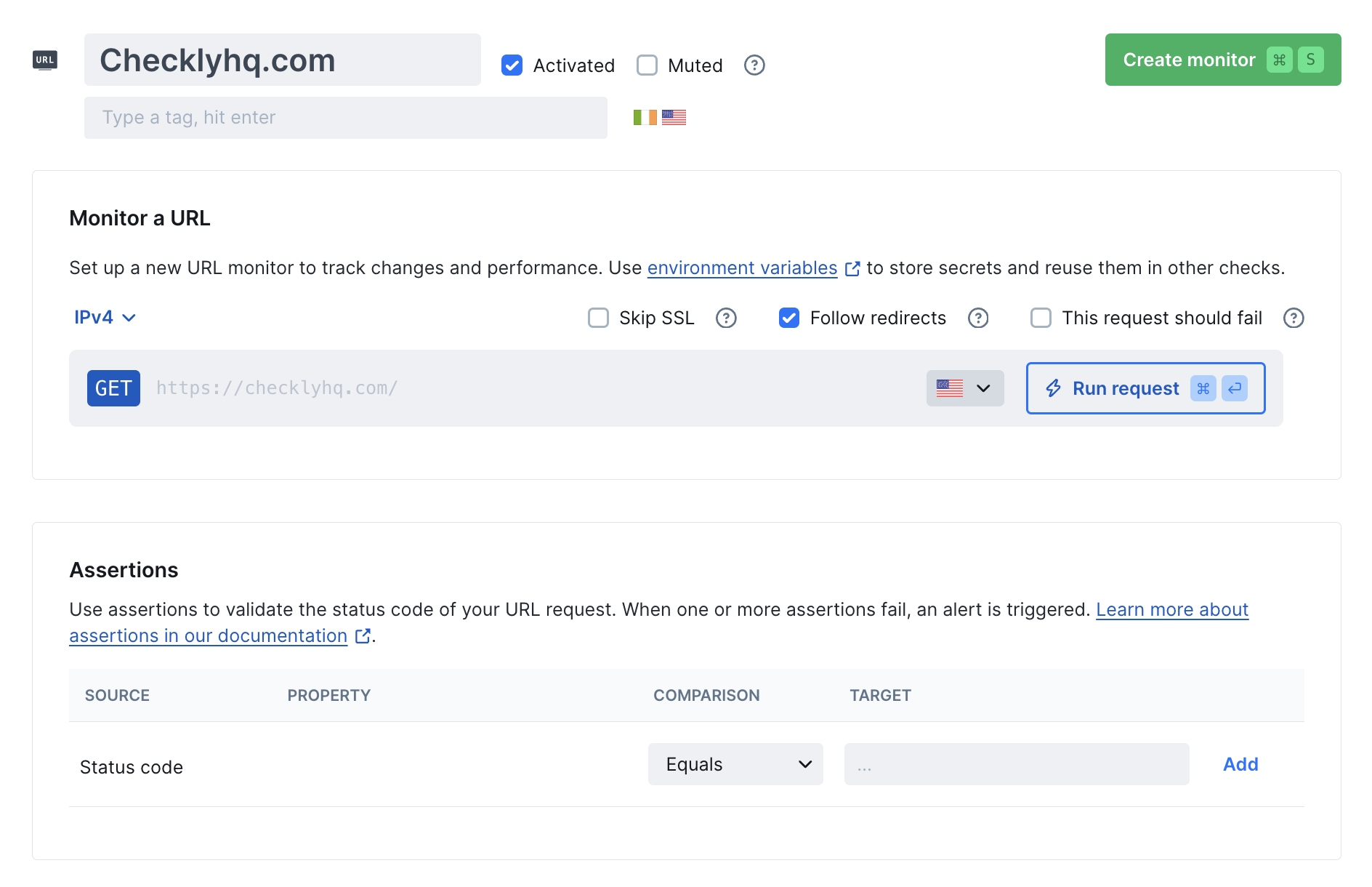
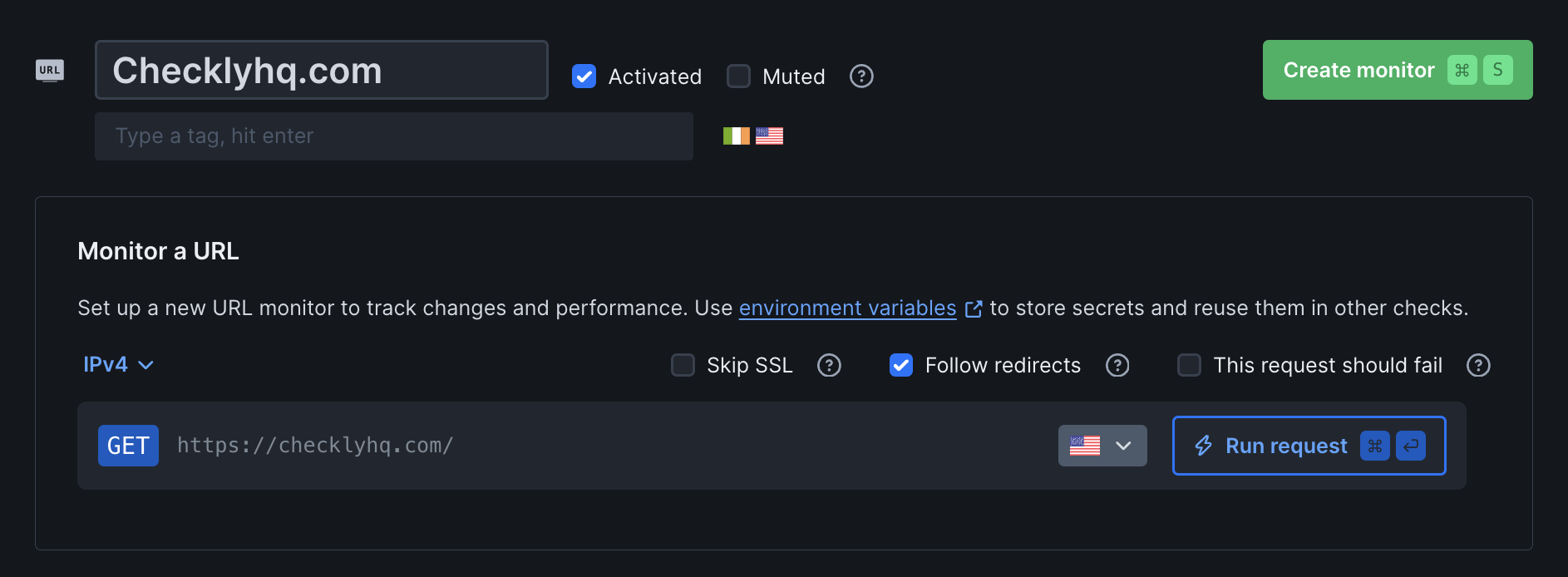
URL monitors track the availability of your HTTP-based services by sending requests to specified URLs and validating avaliability and performance.
 **Typical Use Cases Include:**
* Ensuring your marketing site returns a 200 OK
* Verifying your documentation site loads quickly
* Checking that your SSL certificate is still valid
* Confirming that a public pricing endpoint is reachable for customers
## How URL Monitors Work
URL monitors send HTTP requests to specified URLs and validate availability and performance. They can be configured to check for specific status codes and response times while running from multiple global locations.
Enter the URL you want to monitor.
Configure the response times and status codes you want to check for.
Select the locations you want to run the monitor from.
Configure your alerting to send you an alert when the monitor fails.
Schedule your monitor to run at the frequency you want.
## Best Practices
* **Critical services**: Every 1-2 minutes
* **Important services**: Every 5 minutes
* **Standard services**: Every 10-15 minutes
* **Background services**: Every 30 minutes to 1 hour
* Choose 2-3 locations covering your user base
* Include at least one location near your infrastructure
* Consider regulatory requirements for data residency
* Always check status codes
* Set appropriate response time thresholds
* Test assertions thoroughly before deployment
For monitoring as code workflows, use the URL Monitor construct to version control your monitoring configuration and deploy alongside your application code. [Learn about URL Monitor Construct →](/constructs/url-monitor)
**Typical Use Cases Include:**
* Ensuring your marketing site returns a 200 OK
* Verifying your documentation site loads quickly
* Checking that your SSL certificate is still valid
* Confirming that a public pricing endpoint is reachable for customers
## How URL Monitors Work
URL monitors send HTTP requests to specified URLs and validate availability and performance. They can be configured to check for specific status codes and response times while running from multiple global locations.
Enter the URL you want to monitor.
Configure the response times and status codes you want to check for.
Select the locations you want to run the monitor from.
Configure your alerting to send you an alert when the monitor fails.
Schedule your monitor to run at the frequency you want.
## Best Practices
* **Critical services**: Every 1-2 minutes
* **Important services**: Every 5 minutes
* **Standard services**: Every 10-15 minutes
* **Background services**: Every 30 minutes to 1 hour
* Choose 2-3 locations covering your user base
* Include at least one location near your infrastructure
* Consider regulatory requirements for data residency
* Always check status codes
* Set appropriate response time thresholds
* Test assertions thoroughly before deployment
For monitoring as code workflows, use the URL Monitor construct to version control your monitoring configuration and deploy alongside your application code. [Learn about URL Monitor Construct →](/constructs/url-monitor)